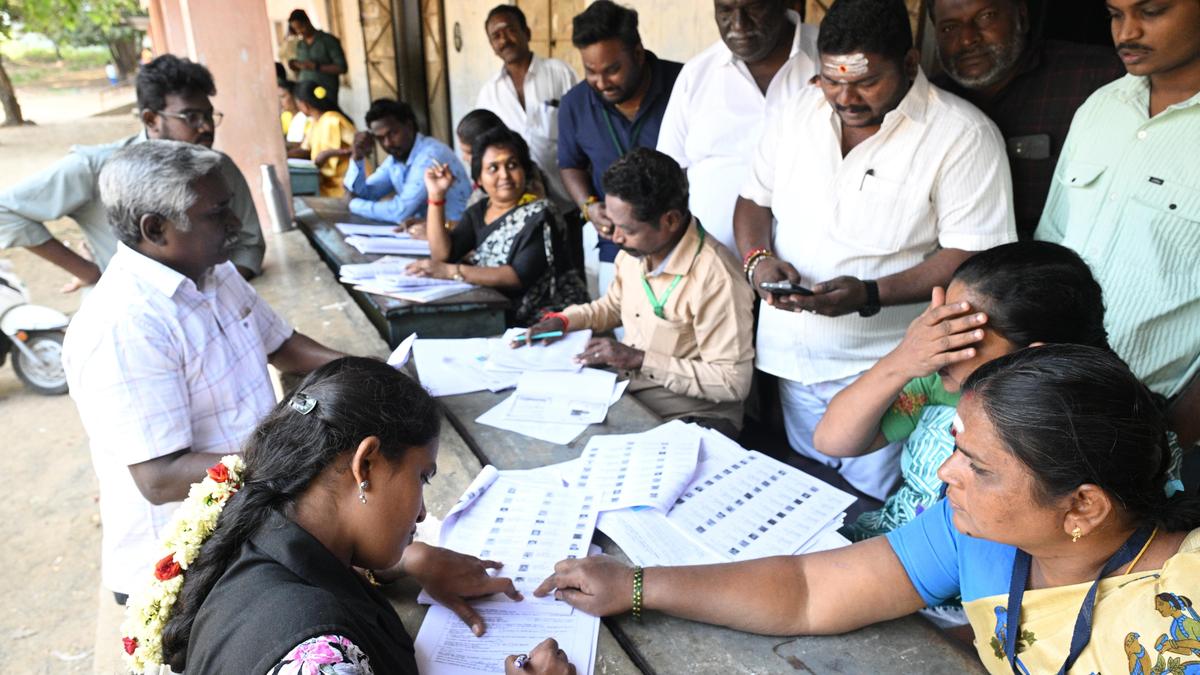
Tamil Nadu is set to vote across 234 Assembly constituencies on April 23 with the Election Commission of India (ECI) announcing the polling schedule recently. Chief Electoral Officer (CEO) Archana Patnaik has urged voters to verify their names and details in the electoral roll in advance.
We break down how to check your name in the voter list.
There are two simple ways to check whether your name is included in the electoral roll:
1. Online method
Visit the official Tamil Nadu elections website: elections.tn.gov.in.
Click on the ‘Special Intensive Revision 2026’ option.
Enter your details to search for your name.
If your mobile number is linked to your Electoral Photo Identity Card (EPIC), you will receive an OTP for verification.
If you have recently applied and your details have not yet been verified by the Booth Level Officer (BLO), your name may take some time to appear in the roll.
If you do not remember your EPIC number, you can:
Download the electoral roll of your Assembly constituency.
Manually search for your name in the list.
You can also use the ECI Net mobile app. Here’s how:
Select ‘Search Your Name in Voter List’.
If your mobile number is linked to your EPIC, you can also download your e-EPIC through the app.
2. Offline method
Contact your local Booth Level Officer (BLO) for assistance.
Request your EPIC details directly.
If you do not have the BLO’s contact information, it is available on the official electoral rolls website: https://www.erolls.tn.gov.in/blo/.
Important deadline
If your name is not yet included and you wish to vote in the April 23 election, you can apply for inclusion until March 26.
According to officials, around 3.14 lakh applications for inclusion of names have already been received since the publication of the final electoral rolls.
Make sure to verify your details early to avoid last-minute issues on polling day.